Reverse Engineering Access Control Fobs on the Cheap
Reverse Engineering Access Control Fobs on the Cheap: No Encoder Hardware Required#
The Problem#
A while back, I was tasked with a project, which I delegated to my staff, in which we migrated from simplex mechanical pushbutton locks to a modern key fob access control system. The system (which I’ll leave nameless for some anonymity) came with pre-configured fobs at a per-unit cost. This was circa 2023, and at the time the Flipper Zero was getting a lot of press.
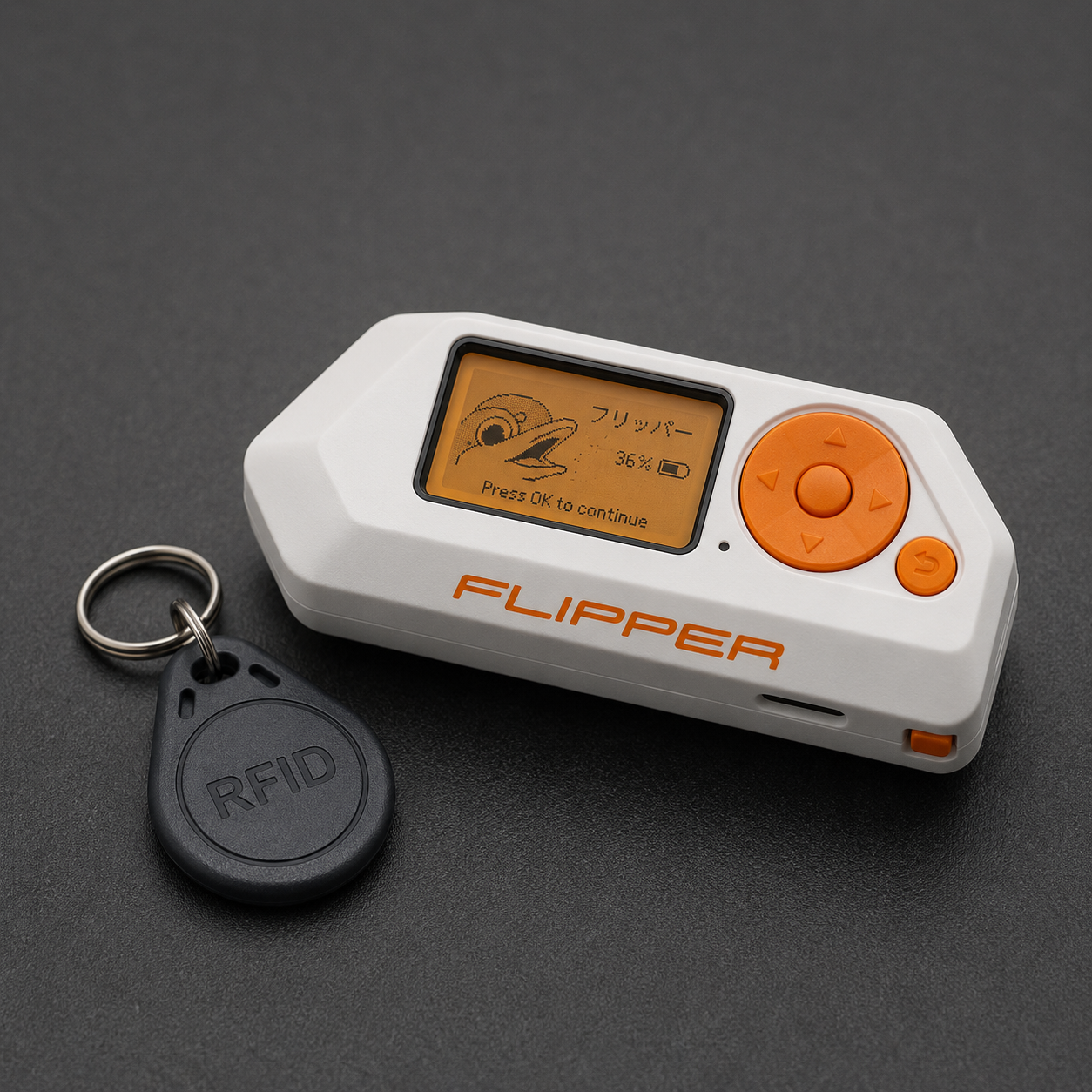
Figuring we’d eventually need more fobs, I did some digging and found it was theoretically possible to clone and program key fobs with third-party devices. So I picked up a Flipper Zero. It sort of worked, but realistically, from my experience with it, the Flipper Zero is a fun gadget that isn’t particularly great at any single task. What makes it valuable is that it opens doors for the curious. It’s a gateway for anyone interested in tinkering with electronics, low-frequency radio, NFC, and more. I’ll give it that credit; it’s what got me digging into key fobs, cryptography, memory dumps, and the specifics of MIFARE Classic 1K encoding.
That foundation, combined with AI tools to help analyze memory dumps and reverse engineer data structures, is ultimately what made this project possible. In reality, what I did wasn’t magic. I simply figured out how credential data is written to existing fobs, then reversed the encoding so I could write my own data to generic fobs. The result: the ability to add new credentials to our existing system, clone fobs, and program third-party hardware for a fraction of the official cost.
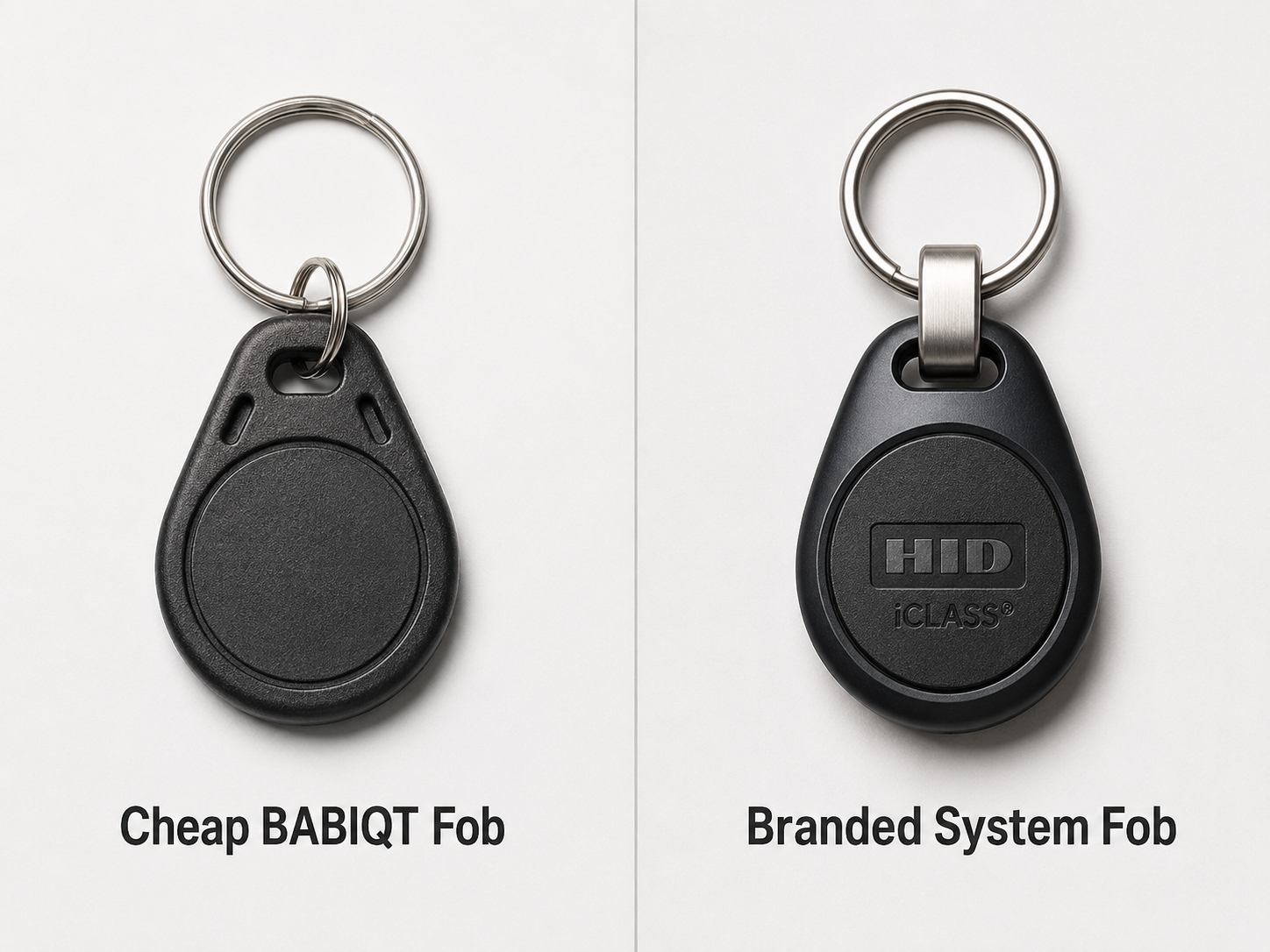
It all started with ordering a 10-pack of BABIQT M1 Classic 1K keyfobs off Amazon for about $10. The listing said they work with “KABA, SAFLOK, MIWA and ONITY” but the system I was working with wasn’t on the list. I bought them anyway.
Spoiler: they work perfectly. Here’s how I got there.
Understanding What the Access Control System Actually Does#
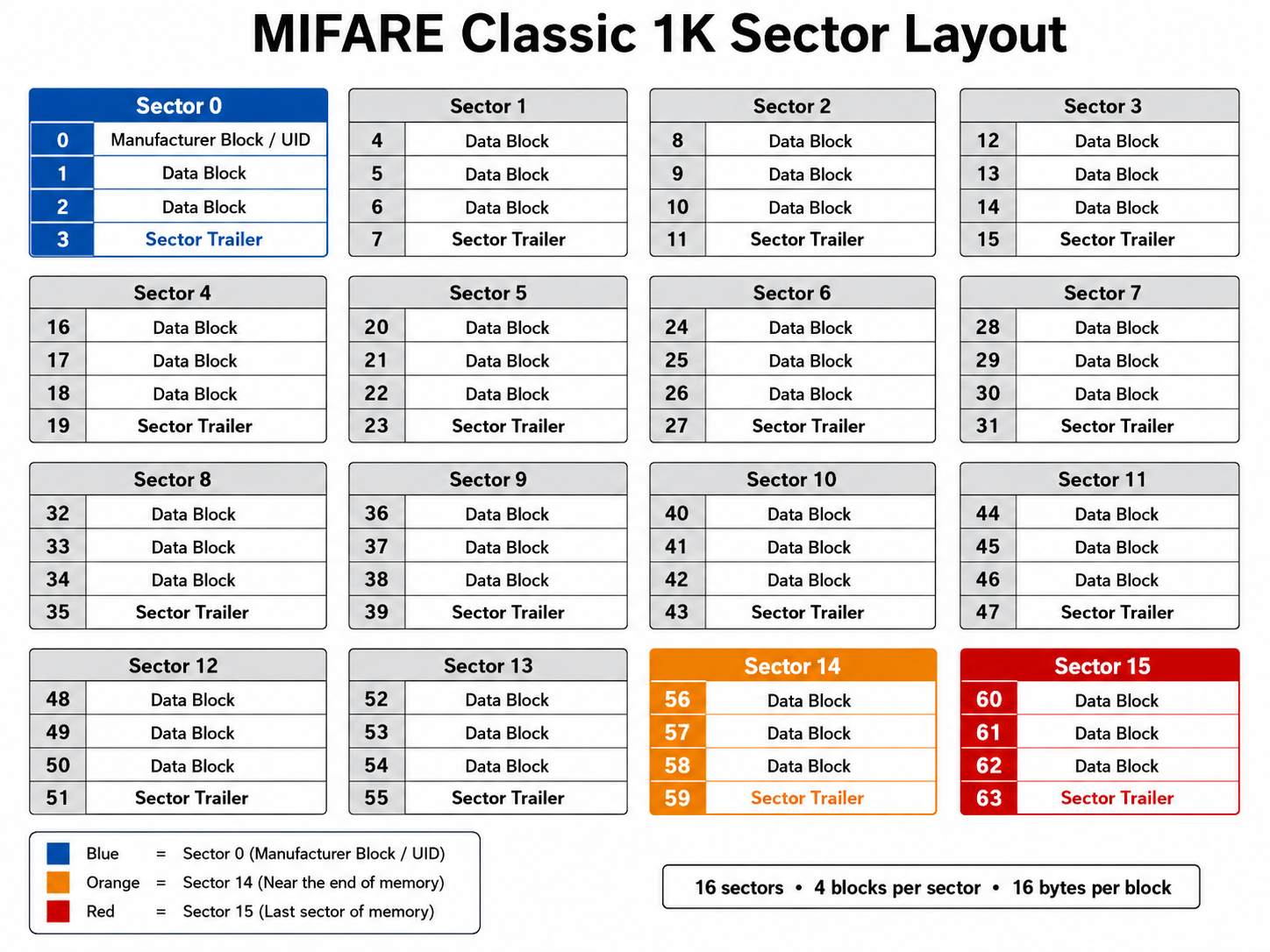
Before diving into the solution, it’s worth understanding what MIFARE Classic encoding actually involves.
A MIFARE Classic 1K card has 16 sectors, each protected by two 48-bit keys (Key A and Key B). Factory-fresh cards use default keys (FF FF FF FF FF FF). The access control system replaces these with proprietary site-specific keys and writes credential data into specific sectors.
The credential itself, which encodes your region code, facility code, card number, and issue level, lives in Sector 15, Block 0 as an 8-byte obfuscated value followed by its bitwise inverse.
When a reader sees a card, it:
- Attempts to authenticate to the protected sectors using the site keys
- Reads the credential data from Sector 15
- Decodes the obfuscated credential
- Looks up the card number in the controller database
- Makes an access decision If authentication fails, as it does with a blank generic fob, the reader reports the card as an unknown format and denies access. It never gets to step 2.
What I Tried First (And Why It Didn’t Work)#
Attempt 1: CSN Mode#
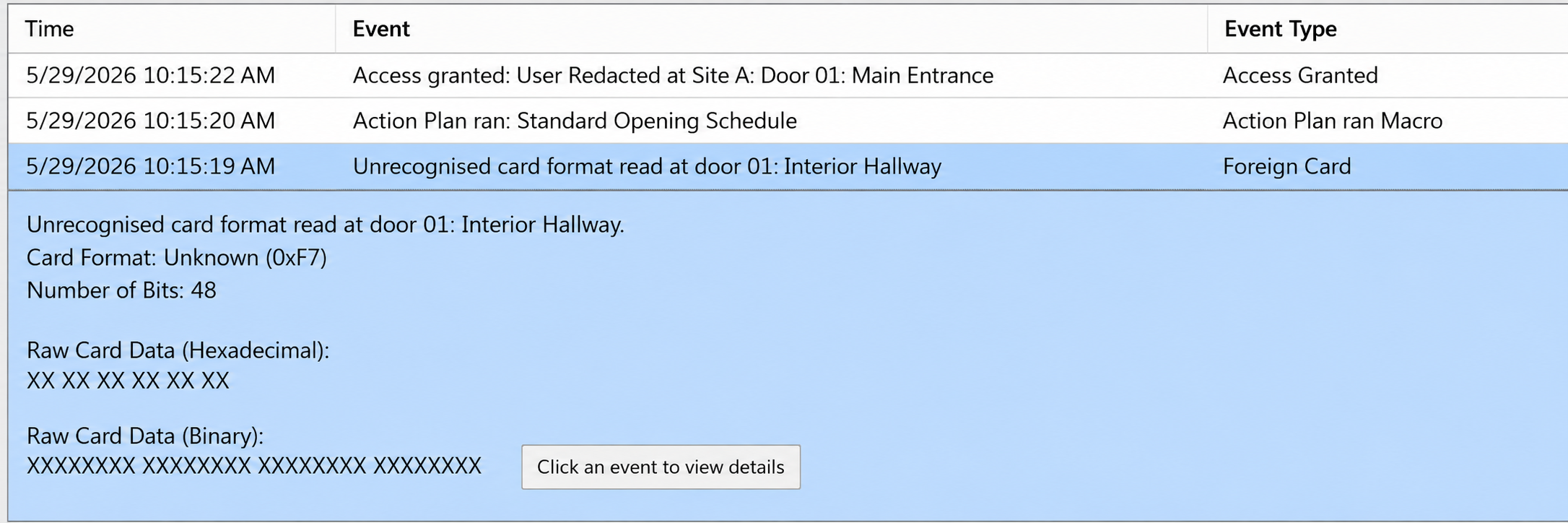
Many access control systems support a “Fast CSN Mode” which reads the card’s UID instead of encrypted credential data. I enabled it, registered the fob’s UID as a card number, and set up a card format for 48-bit data.
The reader still rejected the fob. It turns out the reader firmware tries encrypted MIFARE authentication first regardless, and the CSN fallback never fires for standard access decisions.
Attempt 2: Writing a MAD Structure#
Based on MIFARE Application Directory (MAD) research, I tried writing a compatible MAD header to Sector 0 of the blank fob using MIFARE Classic Tool. The theory was that the reader might recognize the MAD as a valid card structure and fall back to CSN mode.
Every attempt of writing compatible headers were rejected. I was at a loss, but still determined to keep digging. I learned that the reader needs the actual sector keys to authenticate before it reads anything else. Therefore, without those keys already on the card, nothing else matters. You aren’t getting in. Luckily though, I wasn’t ‘hacking’ a system that was not under my control. As the admin, I had access to the access layer as well as the ‘behind-the-scenes’ admin portal. I could monitor logs in real time as I tested.
The Breakthrough: Clone First, Modify Second#
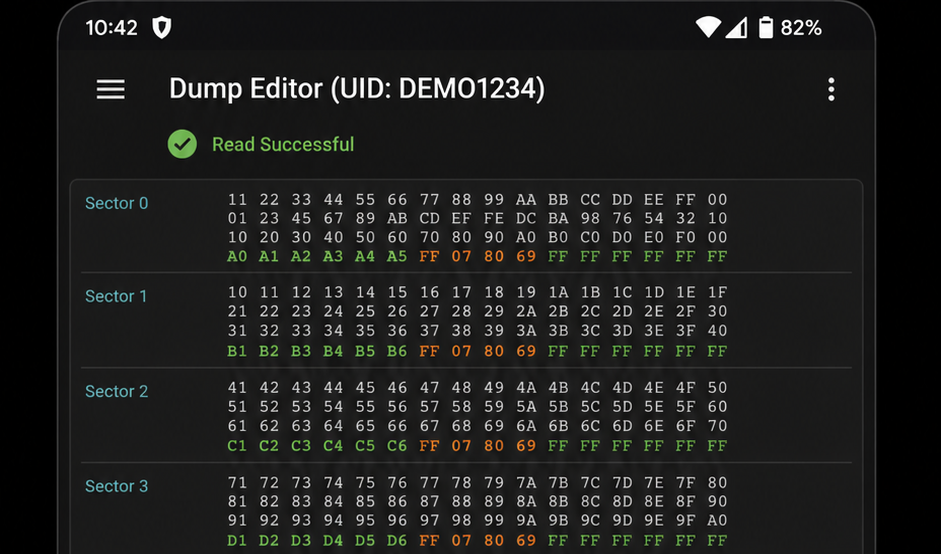
The insight that changed everything: what if I cloned an existing working fob to the blank generic fob?
Using MIFARE Classic Tool (free, by ikarus23 on Android), I:
- Read a full dump of my existing system fob
- Used “Write Dump” to clone it entirely to a blank BABIQT fob Tapped it to the reader. Access granted.
The generic fob happily accepted the write, including the proprietary sector keys, because it started with default keys that allowed the write to proceed. Once written, the fob is functionally identical to the original.
But this just creates a clone with the same card number. For unique credentials, I needed to understand the credential encoding format.
Decoding the Credential Format#
This is where the megabug/gallagher-research GitHub repository became invaluable. Someone had already done the hard reverse engineering work and documented the exact MIFARE Classic credential format used by this class of access control system.
The credential is stored as 8 bytes in Sector 15, Block 0, followed immediately by the bitwise inverse of those 8 bytes as an integrity check. The encoding works in two steps.
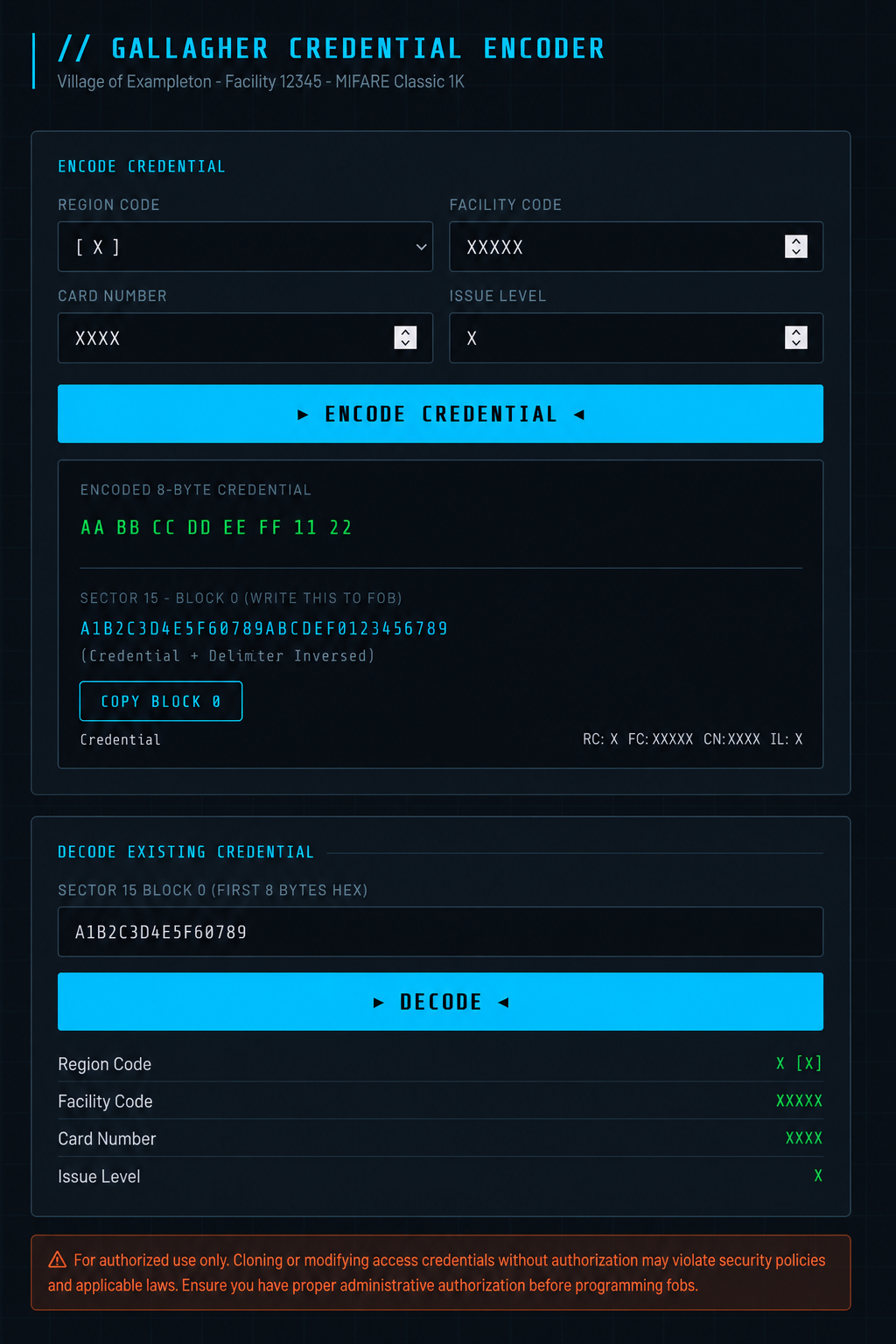
Step 1: Bit Packing#
The four credential fields are packed into 8 bytes with a non-obvious bit layout:
| Byte | Contents |
|---|---|
| 0 | CN bits 23-16 |
| 1 | FC bits 11-4 |
| 2 | CN bits 10-3 |
| 3 | CN bits 2-0, RC bits 3-0 |
| 4 | CN bits 15-11 |
| 5 | FC bits 15-12 |
| 6 | Reserved (zeros) |
| 7 | FC bits 3-0, IL bits 3-0 |
(CN = Card Number, FC = Facility Code, RC = Region Code, IL = Issue Level)
Step 2: Substitution Table (S-box)#
Each of the 8 packed bytes is then mapped through a 256-entry substitution table. This is the obfuscation layer, not true encryption, just a lookup table. The full table is documented in the research repo.
To verify my implementation, I decoded the Sector 15 Block 0 data from two of my known fobs and confirmed the decoded card numbers matched what was engraved on each fob. With the algorithm confirmed, encoding new card numbers is straightforward.
The Workflow#
Here’s the complete process for programming a new fob.
One-Time Setup#
- Clone a working system fob to a blank generic fob using MIFARE Classic Tool. This becomes your programming master.
- Save the dump file. This is your template.
Per-Fob Programming#
- Encode the new card number using the algorithm (I built a browser-based tool for this)
- Load the template dump in MIFARE Classic Tool’s Dump Editor
- Edit Sector 15, Block 0 with the new 16-byte hex value (8 bytes encoded credential + 8 bytes bitwise inverse)
- Write the modified dump to a blank generic fob
- Register the new card number in your access control system under the cardholder’s profile Each fob gets a unique card number, its own cardholder record, individual access zones, schedules, and expiry dates. Fully independent credentials.
Only Three Sectors Actually Matter#
You don’t need to clone all 16 sectors. Only these contain meaningful data:
| Sector | Contents |
|---|---|
| 0 | MIFARE Application Directory (MAD) + site key |
| 14 | Card Application Directory (CAD) + site key |
| 15 | Cardholder credential data + site key |
Sectors 1 through 13 are empty and irrelevant. Your template dump only needs correct data in sectors 0, 14, and 15.
Security Considerations#
A few things worth noting before you do this.
This only works because you already have a valid credential. You need a working system fob to clone the sector keys from. Someone without legitimate access to your system cannot bootstrap this process.
MIFARE Classic has known vulnerabilities. The MIFARE Classic encryption (Crypto-1) was broken years ago. An attacker with appropriate hardware could potentially recover your sector keys from a presented card. If you are running a high-security installation, use MIFARE DESFire EV3 credentials instead, which have no known weaknesses.
The credential obfuscation is not cryptographic security. The S-box substitution is obfuscation, not encryption. The real security is the sector keys protecting access to Sector 15. Once those keys are known, generating valid credentials for any card number is trivial, as demonstrated here.
Only do this with authorization. I am the IT Director for this facility and performed all of this work on our own system with full administrative authorization. Generating credentials for an access control system you don’t administer is illegal in most jurisdictions.
The Numbers#
| Item | Official Route | DIY Route |
|---|---|---|
| Fob cost (each) | ~$12 | ~$1 |
| Encoder hardware | ~$800 | $0 |
| Encoding license | ~$500 | $0 |
| Programming time | ~2 min/fob | ~3 min/fob |
| 100 fobs total cost | ~$2,500+ | ~$100 |
For a small organization issuing dozens of credentials a year, that is a meaningful difference.
Tools Used#
- MIFARE Classic Tool (Android, free) by ikarus23 on GitHub and Google Play
- NFC Tools Pro (Android) for initial tag inspection
- Access control configuration software for cardholder management
- gallagher-research by megabug on GitHub, the key reference for the credential format
- Custom encoder tool built as a browser-based HTML/JS implementation of the encoding algorithm
Conclusion#
What started as “will a $1 fob work on our enterprise access control system” turned into a deep dive into MIFARE Classic internals, credential encoding formats, and the limits of security through obscurity.
The answer is yes. With the right approach, generic MIFARE Classic fobs work perfectly. The credential encoding is well documented in public security research, the programming tools are free, and the hardware cost is trivial.
The official encoder hardware and license exist to make the process convenient and supported, not because the underlying cryptography requires them.
All credential data, facility codes, site-specific keys, and system vendor details referenced during research have been redacted or omitted. This post documents methodology only.