The IT Documentation Structure That Finally Stopped the Chaos
Intro#
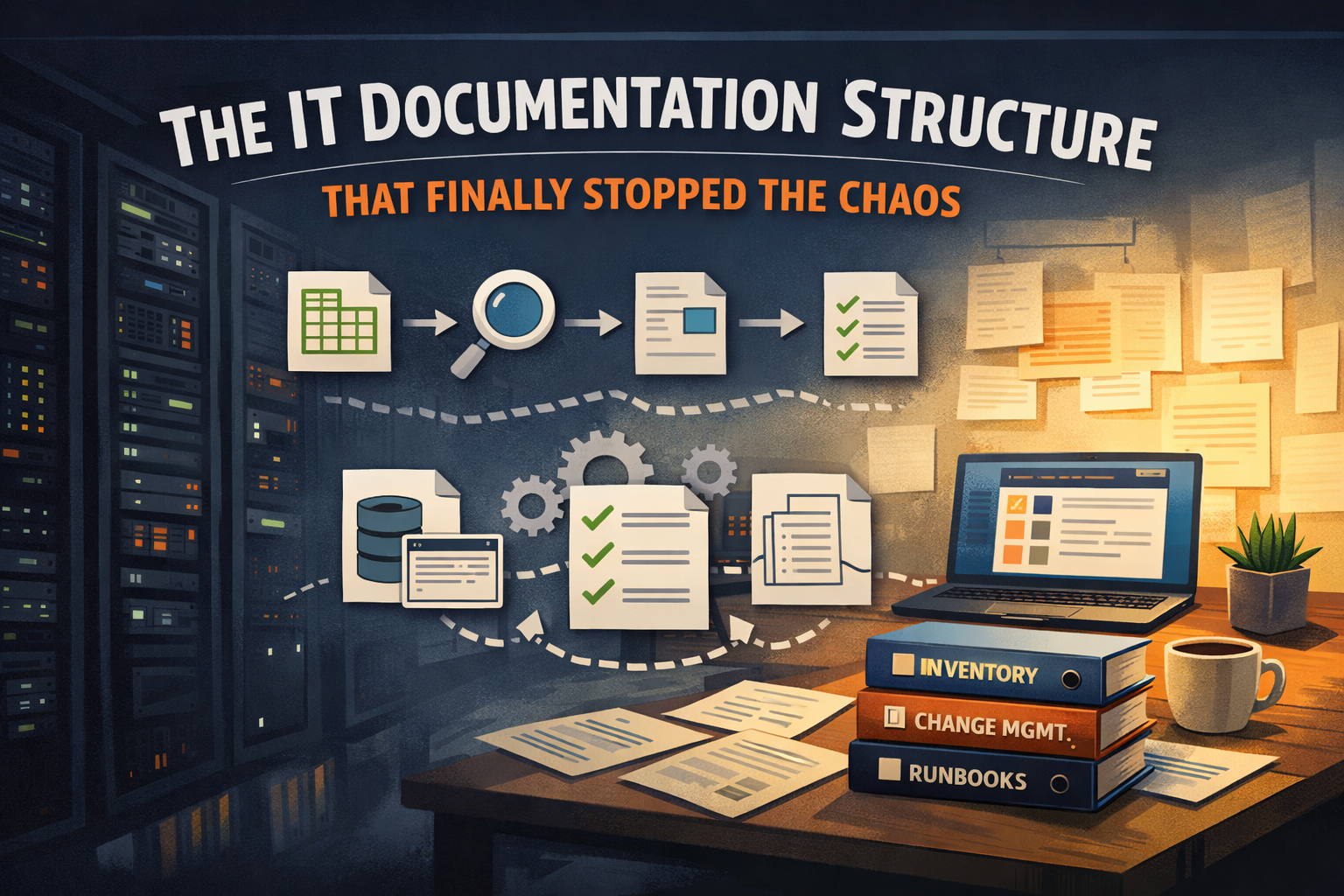
Have you ever found yourself digging through old notes, saved Post-its, and a graveyard of past emails trying to locate that one critical piece of information about a server or system you maybe touch twice a year? I know I have. And while I genuinely pride myself on being able to recall detailed technical things in chronological order such as dates, configs, decisions… you know, the works, I’m fully aware that relying on my own memory is not a documentation strategy. It’s a liability waiting to materialize at the worst possible moment.
The frustrating part is that the information usually exists somewhere. It’s just scattered across three tools, two people, and a notes app nobody else has access to. After enough of those treasure hunts I stopped telling myself I’d get around to fixing it and actually started building something. Here’s the honest version of how I got there.
How We Got Here (A Brief History of Good Intentions)#
The Documentation Evolution#
 ┌──────────────┐      ┌─────────────────┐      ┌──────────────┐      ┌────────────────┐
 │  Spreadsheet │ ───▶ │ Auto-Discovery  │ ───▶ │   Wiki Era   │ ───▶ │ Reactive Docs  │
 └──────────────┘      └─────────────────┘      └──────────────┘      └────────────────┘
If you’ve been in IT for more than a few years, you’ve probably lived some version of this progression. I know I have.

Phase 1: The Spreadsheet Era
It always starts with a spreadsheet. Someone (maybe you, maybe a predecessor) created a “master inventory” in Excel with good intentions. Server name, IP address, a few notes. It worked fine when the environment was small and the person who made it was still around to maintain it.
Then things changed. The spreadsheet didn’t.
Phase 2: The Fancy Tool That Solved Everything (Until It Didn’t)
We ran Lansweeper for a while, and honestly, Lansweeper is a solid tool! It auto-discovered devices, pulled hardware info, kept things reasonably current without much manual effort. For raw asset discovery it did its job.
The problem is that auto-discovery only gets you so far. It can tell you a server exists and what’s in it. It can’t tell you what application it’s running, who owns it, what depends on it, when the warranty expires, or what the recovery plan is if it dies at 2am on a Saturday. That context lives in people’s heads. And people leave.
We eventually retired Lansweeper. Partly cost, partly the fact that we’d become dependent on it for discovery without ever solving the deeper documentation problem underneath.
Phase 3: The Wiki Server… It Was Great, Then Wasn’t
Around 2014, we spun up a self-hosted MediaWiki instance. And for a while, it was genuinely good. People actually used it. Runbooks, network diagrams, vendor contacts, procedures, you name it, we documented it. Over time, it accumulated years of institutional knowledge.
Then it went stale. Not all at once, but gradually. A procedure documented in 2017 that nobody updated when the process changed in 2020 remained as the most recent article. A vendor contact page for a company we no longer used was still present. A network diagram that reflected an infrastructure that had been significantly rebuilt or replaced was prominently displayed as if it were current.
By 2022 the wiki was less “source of truth” and more “source of maybe.” You’d find something, wonder if it was still accurate, and end up just asking whoever happened to be around. At that point the wiki was providing false confidence more than actual help, which is arguably worse than nothing. Who needs a digital time capsule that serves only to confuse the team relying on it?
We shut it down.
Phase 4: BookStack - An improvement, But Still Missing Something
These days we run a BookStack server, and it’s been a genuine improvement over the old wiki. The structure is better, the interface is cleaner, and we’ve actually been consistent about adding to it over the past year or so.
But here’s the honest problem with how we’ve used it: it’s reactive documentation. Something breaks, we troubleshoot it, it’s complicated enough that we write it up. So we have a solid library of intricate issue resolution, which is valuable, but we still didn’t have a standardized, structured inventory of our environment.
No consistent server inventory. No formal backup register with RPO/RTO documented. No user lifecycle process written down anywhere. No vendor registry. Just a collection of specific troubleshooting books and a lot of institutional knowledge still living in people’s heads.
What I Actually Needed#
After going through that whole arc of spreadsheets, auto-discovery tools, wikis, knowledge bases, and the like, I realized what was missing wasn’t another tool. It was structure.
The Core Documentation Pillars#
                  ┌─────────────────┐
                  │ Infrastructure  │
                  └────────┬────────┘
                           │
      ┌────────────┐       │       ┌──────────────┐
      │  Vendors   ├───────┼───────┤ Change Mgmt  │
      └────────────┘       │       └──────────────┘
                    ┌──────┴──────┐
                    │  Structure  │
                    └──────┬──────┘
      ┌────────────┐       │       ┌──────────────┐
      │ Lifecycle  ├───────┼───────┤  Operations  │
      └────────────┘       │       └──────────────┘
                           │
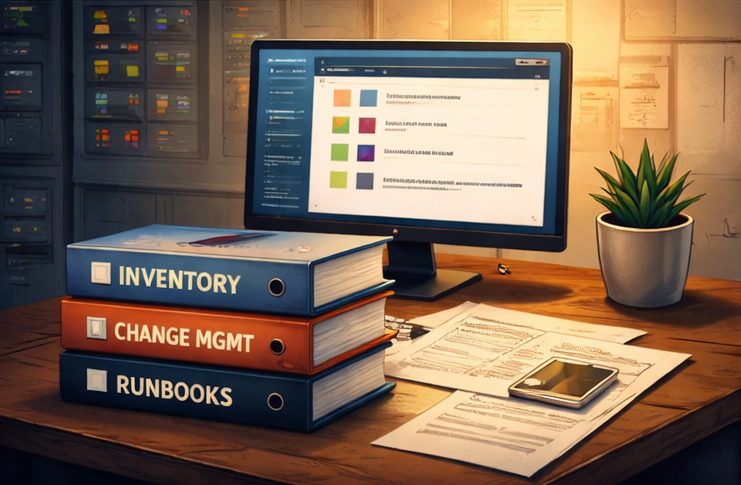
The problem was never that we lacked somewhere to put information. The problem was we never agreed on what information to capture, how to capture it consistently, or how to organize it so that someone unfamiliar with our environment could walk in and get oriented without needing a two-hour brain dump from me.
What I needed was a framework. A defined set of documents, in a defined structure, covering the areas that actually matter in a small-to-mid IT environment:
- Core infrastructure (servers, network, backups, DR)
- Change management (so changes don’t disappear into the ether)
- User lifecycle (onboarding, offboarding, access tracking)
- Operations (runbooks, incident response, on-call)
- Escalation and vendors (who do you call, and when)
Not revolutionary categories. But having them all defined, with consistent templates, in a folder structure that makes sense. That’s what was missing!
Building It Out#
StructuredOps Folder Layout#
StructuredOps/
├── 01_Core_Infrastructure/
│   ├── Server_Inventory.xlsx
│   ├── Network_Documentation.xlsx
│   └── Backup_Register.xlsx
├── 02_Change_Management/
│   ├── Change_Log.xlsx
│   └── Change_Request_Template.docx
├── 03_User_Lifecycle/
│   ├── Onboarding_Checklist.docx
│   └── Offboarding_Checklist.docx
├── 04_Operations/
│   ├── Runbook_Template.docx
│   └── Incident_Response_Playbook.docx
├── 05_Vendors_and_Escalation/
│   └── Vendor_Registry.xlsx
└── Implementation_Guide.pdf
I started by mapping out every document I actually wished I had during past incidents and audits. Instead of relying on the institutional knowledge living in my own head, and my team’s, I wanted something anyone could pick up and reference without needing a brain dump from me first. A backup register that shows what’s being protected. A change log that captures what changed, when, and why. The kind of information that turns a three-hour investigation into a five-minute lookup.
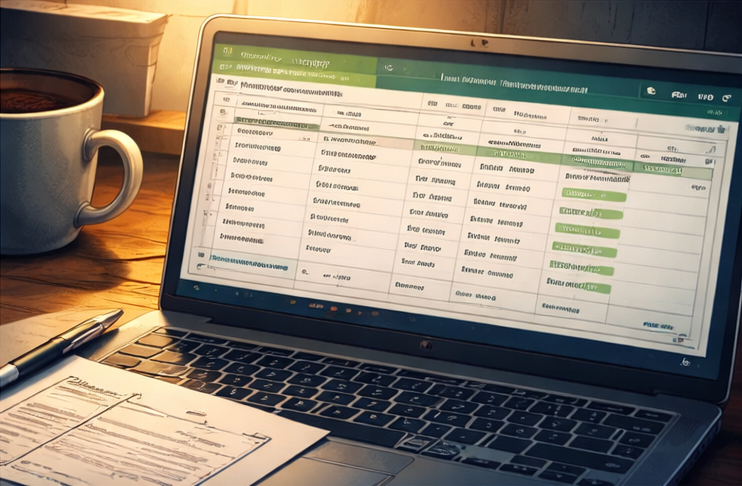
With that in mind, I built templates for each category. Spreadsheets with real structure, proper headers, dropdown validation, conditional formatting for things like warranty status and lifecycle stage. Word documents for the narrative stuff like policies, runbooks, and incident reports that need prose rather than rows and columns. I also added something I’ve always wanted but never had: sample-filled examples. Blank templates are a starting point. A filled example using a fictional company shows you the intent of what level of detail is useful, what’s overkill, how the fields actually connect to each other. It’s the difference between handing someone a blank form and showing them a completed one.
I built this on my own time, burning more than a few late nights on it. But I was motivated, genuinely, and spent many hours refining each document into something reusable that any IT department, in any industry, could pick up and run with. The whole thing ended up as a structured ZIP archive with two versions of every file: one branded, one clean for those who want to white-label it for their own environment or clients. Organized so that the first folder you open tells you exactly where to start.
Does It Solve Everything?#
No. It wasn’t meant to though! It’s a launchpad for you to take control of your documentation and standardize it! You are the architect, so it’s your job now to run with it!
What This Framework Is (And Isn’t)#
| This Is | This Is Not |
|---|---|
| Structured documentation foundation | A full CMDB platform |
| Consistent schema for small IT teams | An ITSM replacement |
| Audit-ready starting point | Auto-discovery software |
| Implementation guide included | Magic automation |
A template pack doesn’t replace institutional knowledge. It doesn’t auto-populate itself. It doesn’t stop people from letting things go stale, because that’s a discipline problem, not a tool problem. And if your environment is complex enough to need a proper CMDB or IT service management platform, this isn’t that.
What it does is give you a starting structure that’s better than a blank spreadsheet and more actionable than a wiki with no defined schema. It’s a foundation for your documentation. It’s the kind of thing that makes the next audit, the next decommission, the next “wait, who owns this server” conversation significantly less painful.
I’ve started rolling it out in my own environment. Partly because building it made me realize just how much we were still winging it, which was a humbling realization after twenty-plus years in this industry.
Where to Get It#
If any of this sounds familiar or if you’ve got a wiki that’s drifted, a spreadsheet that’s mostly lies, or an environment that runs mostly on institutional knowledge and hope, the full framework is available as a download.
It includes everything described above: server inventory, backup register, network documentation, change management log, onboarding and offboarding checklists, vendor registry, runbook template, incident response playbook, DR plan, and more. Both blank templates and sample-filled examples. A 30-day rollout plan and implementation guide to help you actually get it deployed rather than letting it sit in a downloads folder for six months.
If you have questions or want to talk through how it might fit your environment, drop a comment below or find me on Reddit (/u/vomcliff).